MT5GOLD/XAUUSDM15High RiskBreakout
Research Brief
Parameter overview only. Backtest performance figures are intentionally omitted because the parameter extraction was listed as a parameter overview.
Listing Mode
Parameters Only
Snapshot
Product
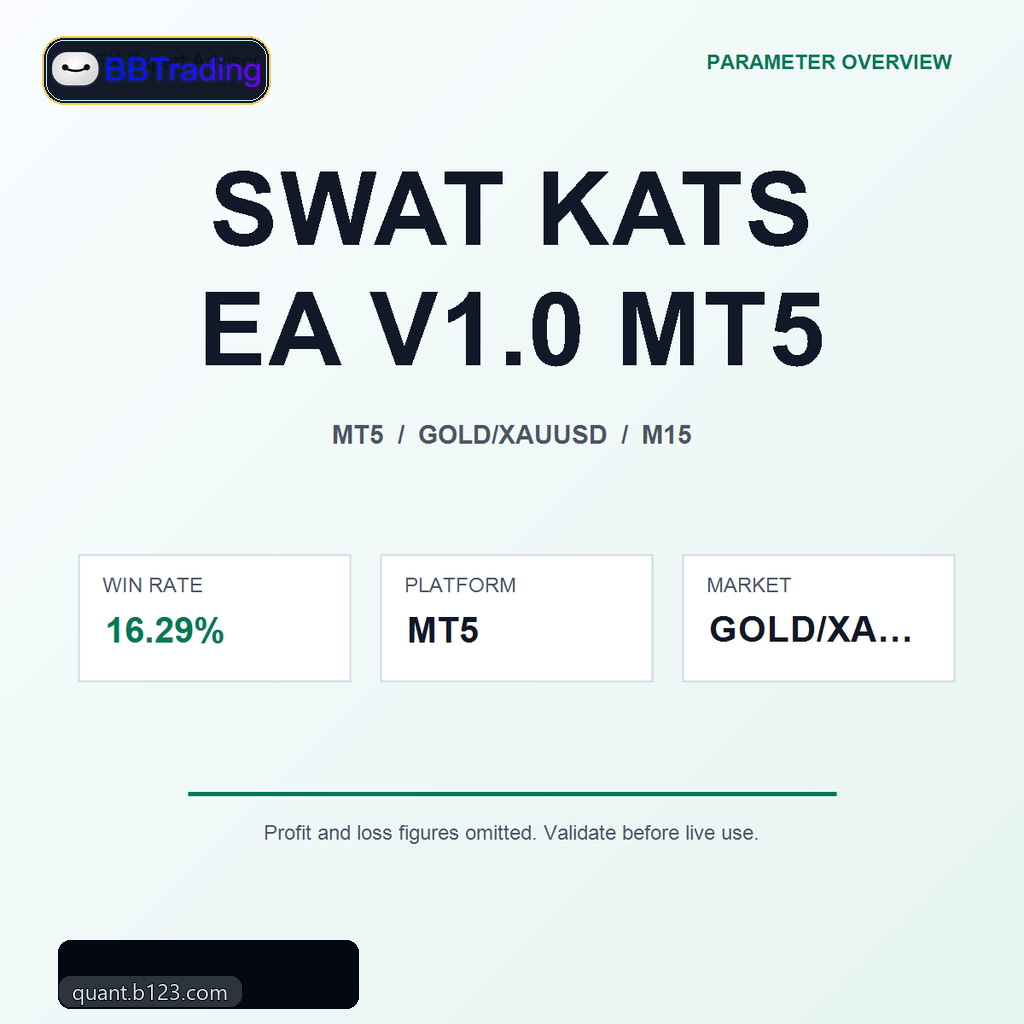
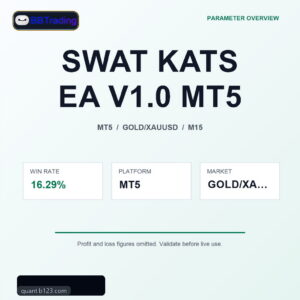
SWAT KATS EA V1.0 MT5
Parameter Notes
Backtest performance figures are intentionally omitted for this listing. The product is presented as a parameter and package overview only.
Review the input table, strategy switches, lot sizing, recovery behavior, session filters, and symbol settings before deciding whether this EA deserves a new independent test.
Input Parameters
Showing 27 key parsed inputs from 27 detected settings. Treat this as a public overview; review the full setting file inside MetaTrader before use.
Parameter
InpHighLookback
Meaning
Author-defined strategy input. Validate its effect by changing only this value in a short sample test and comparing trade count, holding time, drawdown, spread sensitivity, and order-management changes.
Risk
Review this input together with the other setup values.
Parameter
InpBoxConfirmBars
Meaning
Author-defined strategy input. Validate its effect by changing only this value in a short sample test and comparing trade count, holding time, drawdown, spread sensitivity, and order-management changes.
Risk
Review this input together with the other setup values.
Parameter
InpProximityPct
Meaning
Author-defined strategy input. Validate its effect by changing only this value in a short sample test and comparing trade count, holding time, drawdown, spread sensitivity, and order-management changes.
Risk
Review this input together with the other setup values.
Parameter
InpEnableBreakout
Meaning
Enables or disables the corresponding EA module.
Risk
Changing a module switch can materially alter entries, exits, filtering, or protection logic.
Parameter
InpBreakoutBuffer
Meaning
Author-defined strategy input. Validate its effect by changing only this value in a short sample test and comparing trade count, holding time, drawdown, spread sensitivity, and order-management changes.
Risk
Review this input together with the other setup values.
Parameter
InpRequireVolume
Meaning
Enables or disables the corresponding EA module.
Risk
Changing a module switch can materially alter entries, exits, filtering, or protection logic.
Parameter
InpVolumeSurgeMulti
Meaning
Author-defined strategy input. Validate its effect by changing only this value in a short sample test and comparing trade count, holding time, drawdown, spread sensitivity, and order-management changes.
Risk
Review this input together with the other setup values.
Meaning
Author-defined strategy input. Validate its effect by changing only this value in a short sample test and comparing trade count, holding time, drawdown, spread sensitivity, and order-management changes.
Risk
Review this input together with the other setup values.
Meaning
Author-defined strategy input. Validate its effect by changing only this value in a short sample test and comparing trade count, holding time, drawdown, spread sensitivity, and order-management changes.
Risk
Review this input together with the other setup values.
Parameter
InpEnableReversal
Meaning
Enables or disables the corresponding EA module.
Risk
Changing a module switch can materially alter entries, exits, filtering, or protection logic.
Meaning
Author-defined strategy input. Validate its effect by changing only this value in a short sample test and comparing trade count, holding time, drawdown, spread sensitivity, and order-management changes.
Risk
Review this input together with the other setup values.
Meaning
Author-defined strategy input. Validate its effect by changing only this value in a short sample test and comparing trade count, holding time, drawdown, spread sensitivity, and order-management changes.
Risk
Review this input together with the other setup values.
Meaning
Controls trade volume or the base position size used by the EA.
Risk
Higher lot size increases profit potential and drawdown pressure at the same time.
Meaning
Controls trade volume or the base position size used by the EA.
Risk
Higher lot size increases profit potential and drawdown pressure at the same time.
Meaning
Controls account-risk based sizing or an internal risk level.
Risk
A higher risk value can increase exposure, margin use, and peak-to-valley drawdown.
Parameter
InpTrailingStop
Meaning
Controls trailing stop or breakeven protection after a position moves into profit.
Risk
Tighter protection locks gains earlier but may exit normal pullbacks too soon.
Meaning
Controls trailing stop or breakeven protection after a position moves into profit.
Risk
Tighter protection locks gains earlier but may exit normal pullbacks too soon.
Meaning
Limits the number of open, pending, or sequential trades.
Risk
Higher limits increase trade capacity but can concentrate risk during adverse markets.
Meaning
Sets the Magic Number used to identify the EA's own orders.
Risk
Conflicting Magic Numbers can cause order-management overlap with other strategies.
Parameter
InpShowDashboard
Meaning
Controls chart display, labels, order comments, or visual dashboard behavior.
Risk
Usually low trading risk, but order comments should remain unique for tracking.
Meaning
Author-defined strategy input. Validate its effect by changing only this value in a short sample test and comparing trade count, holding time, drawdown, spread sensitivity, and order-management changes.
Risk
Review this input together with the other setup values.
Meaning
Author-defined strategy input. Validate its effect by changing only this value in a short sample test and comparing trade count, holding time, drawdown, spread sensitivity, and order-management changes.
Risk
Review this input together with the other setup values.
Meaning
Enables or disables the corresponding EA module.
Risk
Changing a module switch can materially alter entries, exits, filtering, or protection logic.
Meaning
Controls trading session, server-time adjustment, or day-based restrictions.
Risk
Incorrect time settings can shift entries into high-spread or low-liquidity periods.
Parameter
InpSessionStart
Meaning
Controls trading session, server-time adjustment, or day-based restrictions.
Risk
Incorrect time settings can shift entries into high-spread or low-liquidity periods.
Meaning
Controls trading session, server-time adjustment, or day-based restrictions.
Risk
Incorrect time settings can shift entries into high-spread or low-liquidity periods.
Parameter
InpDeveloperTelegram
Meaning
Author-defined strategy input. Validate its effect by changing only this value in a short sample test and comparing trade count, holding time, drawdown, spread sensitivity, and order-management changes.
Risk
Review this input together with the other setup values.
Included Package
SWAT KATS EA V1.0 MT5 MT5 Expert Advisor package prepared for licensed delivery after purchase.
The product is delivered after purchase through WooCommerce download permissions, with API Manager license/resource records kept for the order. No public profit/loss claim is made for this listing.
Package Evidence
Product
SWAT KATS EA V1.0 MT5
Listing Profile
GOLD/XAUUSD M15
Delivery
Private licensed download package
Review Focus
Input parameters, setup notes, and buyer-side testing
This is a package/setup evidence block for a parameters-only listing. It intentionally does not present public profit, loss, drawdown, or return claims.
Recommended Trading Environment
For SWAT KATS EA V1.0 MT5, execution quality matters as much as the EA file itself. Use this checklist before running the expert advisor on GOLD/XAUUSD M15.
Broker execution
- Stable spread on the target symbol
- Transparent commission and swaps
- No abnormal requotes
VPS latency
- Hosted near broker servers
- Low ping and 24/7 uptime
- Auto restart after maintenance
Risk control
- Start with demo or small capital
- Compare live spread with test assumptions
- Size capital from drawdown tolerance
Listing profile: Parameters Only. B123 Quant keeps broker and VPS guidance neutral unless a partner has been separately reviewed for execution, latency, and transparency.
FAQ
Which platform does this package use?
SWAT KATS EA V1.0 MT5 is listed as a MT5 Expert Advisor package.
What is included with SWAT KATS EA V1.0 MT5?
The package includes the MT5 Expert Advisor resource, parsed input parameters, setup notes, and private download delivery after purchase.
Which symbol and timeframe should I test first?
Use the listing profile GOLD/XAUUSD M15 as the first reference, then run your own Strategy Tester checks under your broker conditions.
Can I change the input parameters?
Yes. Review the exposed inputs first, then adjust lot sizing, filters, order controls, sessions, and protection settings in a demo or tester environment.
Is this a backtested EA or a parameters-only package?
SWAT KATS EA V1.0 MT5 is currently listed as a Parameters Only package, so the page focuses on setup inputs and package contents rather than public performance metrics.
Can I test SWAT KATS EA V1.0 MT5 on my own broker?
Yes. You can run your own MetaTrader Strategy Tester checks under your broker symbol, spread, commission, and execution settings after purchase.
Which broker conditions are recommended?
Use a stable account with transparent commission, controlled spread, no abnormal requotes, and execution conditions close to the assumptions you plan to test.
Should I use a VPS?
A VPS near the broker server can reduce downtime and latency, especially for strategies sensitive to spread, slippage, or session timing.
How do I install SWAT KATS EA V1.0 MT5?
Download the licensed package from your B123 Quant account, place the EA file in the appropriate MetaTrader Experts folder, restart the platform, then attach it to the intended chart.
Do I receive updates after purchase?
Downloads and license records are handled through your B123 Quant account. Any available package update is delivered through the product download area.
How much capital is recommended?
Capital should be sized from your own forward test, broker conditions, and maximum tolerated drawdown rather than from the product price.
Can this EA behave differently across market regimes?
Yes. Trend and breakout logic can react differently in ranging, trending, and high-news conditions.
Risk Warning
This is a historical MT5 backtest, not a live trading guarantee. Real results can differ because of spread, slippage, execution latency, liquidity, swaps, broker settings, and strategy overfitting.
Conclusion
SWAT KATS EA V1.0 MT5 is listed as a parameter overview. Run a fresh independent backtest and forward test before using it in any live trading environment.




Reviews
There are no reviews yet.